
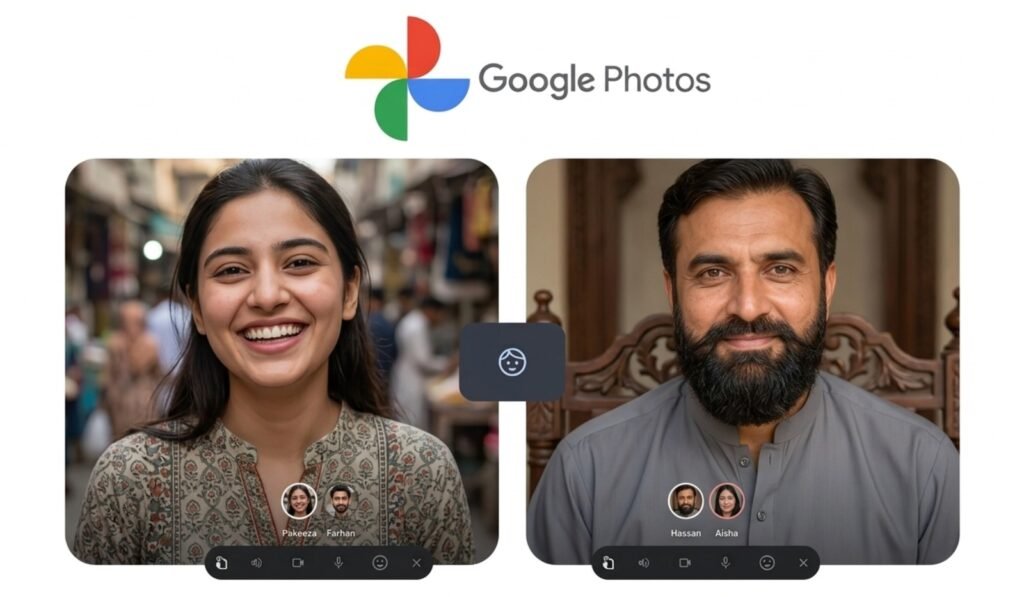
Google has started adding face retouch tools directly into the Photos app on Android. This brings basic touch-ups into an app people already use, so there’s no need for separate editors.
Light corrections: This is a light focus update: no heavy filters, no huge changes. The idea is simple. So one of those little tweaks here and there to make a photo look like it hasn’t been processed.
The tools entail the most common stuff people do, regardless. You can
- Erase the blemish
- Make skin texture smoother
- Get rid of dark circles
- Change eye brightness
- Whiten teeth
- Refine lips or eyebrows.
Using it feels straightforward. Touch a face in your image to select what adjustment you want, then swipe to set how intense the effect should be. That slider matters. Moving a little can tidy up an image. Take it too far, and it appears contrived. Google knows where that line is and keeps the tools restrained by default.
One detail that stands out is how it handles group photos. You can edit one person without changing everyone else. Many basic editors fail here and apply effects across the entire image. This version keeps adjustments locked to the selected face, which makes it more practical for real use.
These features are not new in a broader sense. Google already offered similar options inside its Camera app, but only at the moment a photo was taken. Now they sit inside Photos, where people spend more time reviewing and editing. That shift matters more than the tools themselves.
There is also a clear product decision behind this move. Photo editing often sends users to third-party apps for finer control. By bringing these options into Photos, Google reduces that extra step. It keeps the workflow in one place, from storage to editing to sharing.
The rollout has already started and will reach Android devices in phases. Not every phone will get it. Devices need at least 4GB of RAM and Android 9.0 or newer. That requirement cuts out older phones, which may struggle with image processing tasks like these.
Despite the convenience, there is a broader question around constant retouching. Even small edits can shape how people expect their photos to look. Over time, that can shift perception in subtle ways. A cleaner image feels better in the moment, but repeated adjustments can create pressure to “fix” every shot.
Still, for everyday use, the update makes sense. Most people do not need complex editing software. They just want to clean up a photo before posting or saving it. This update handles that without adding friction.
In practice, it turns Google Photos into a more complete tool. Not a professional editor, but enough for daily needs. Quick fixes, controlled results, and no need to leave the app.